HIPAA Compliance Kit for Microsoft 365 and Teams, Care Agency AI Policy Template, BAA Tracker, Office 365 Security Checklist
$127.00
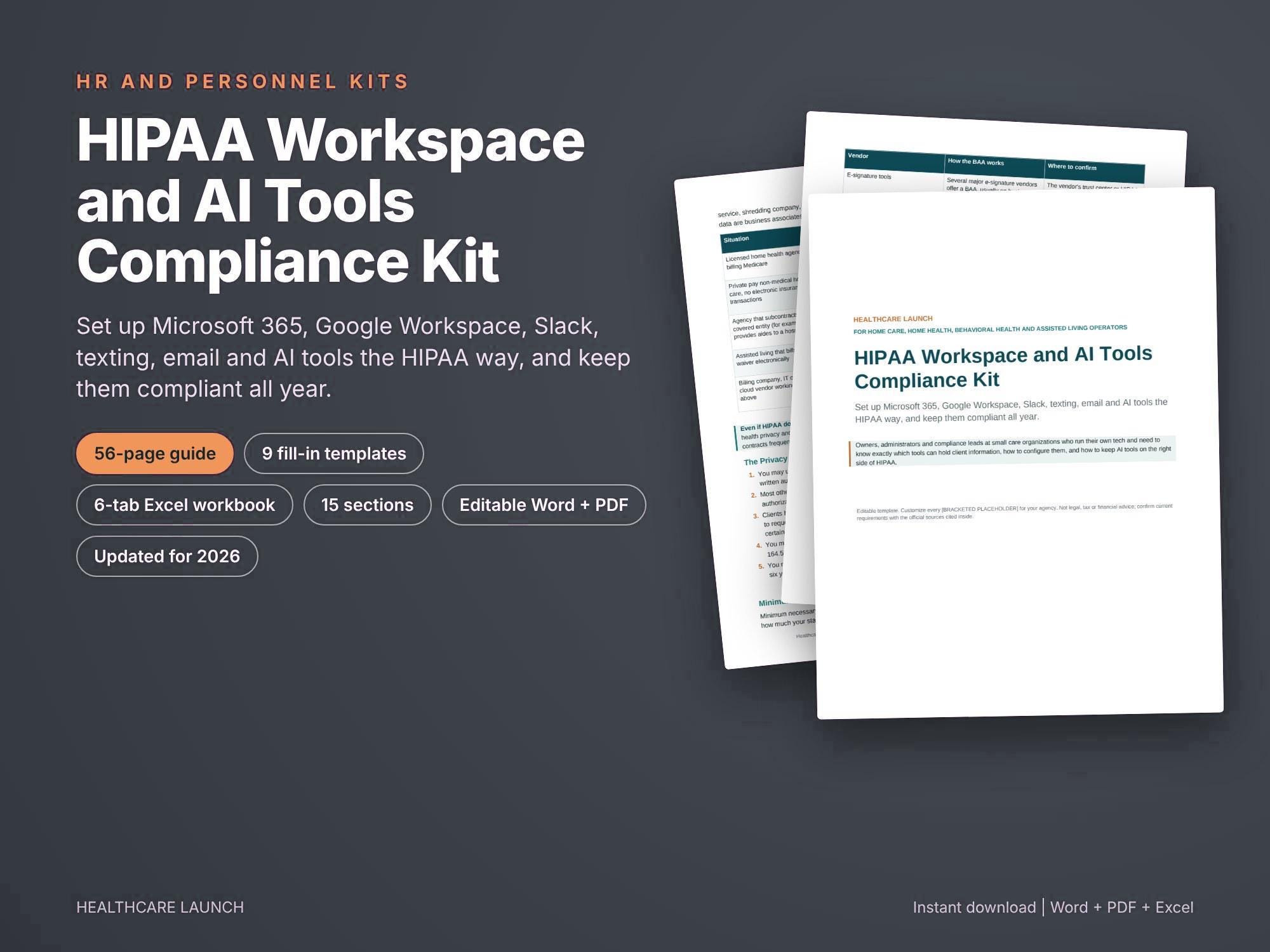
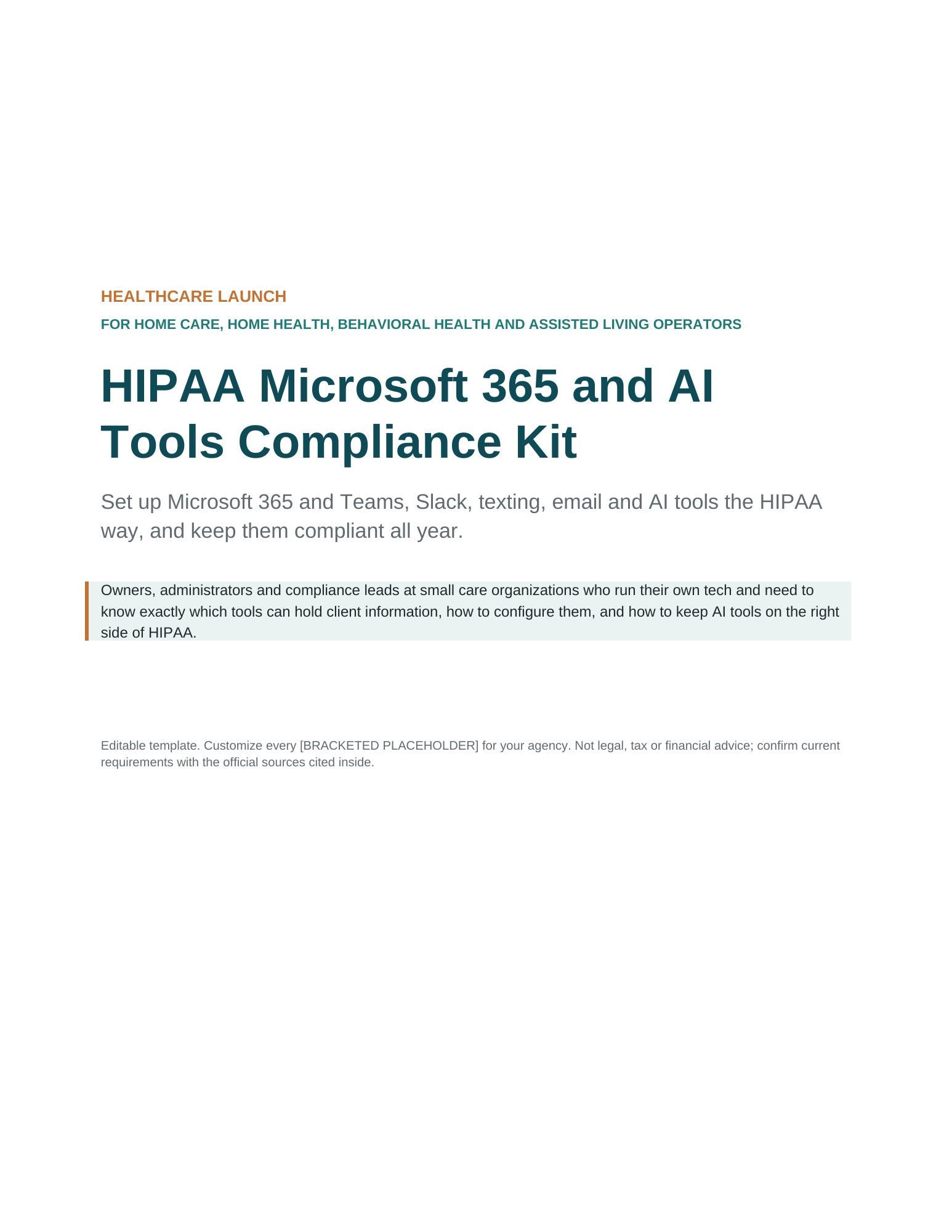
Set up Microsoft 365 and Teams, Slack, texting, email and AI tools so your care agency stays HIPAA compliant, with plain language steps and current 2026 rules. Staff are already pasting notes into chatbots and texting from personal phones. This kit shows which tools need a business associate agreement, how to get your Microsoft BAA and every other vendor's, how to lock down your Microsoft 365 tenant, and how to keep client information out of AI tools that are not covered.
This is the Microsoft 365 edition. Running Google Workspace instead? Look for the Google Workspace edition in our shop.
WHAT YOU GET
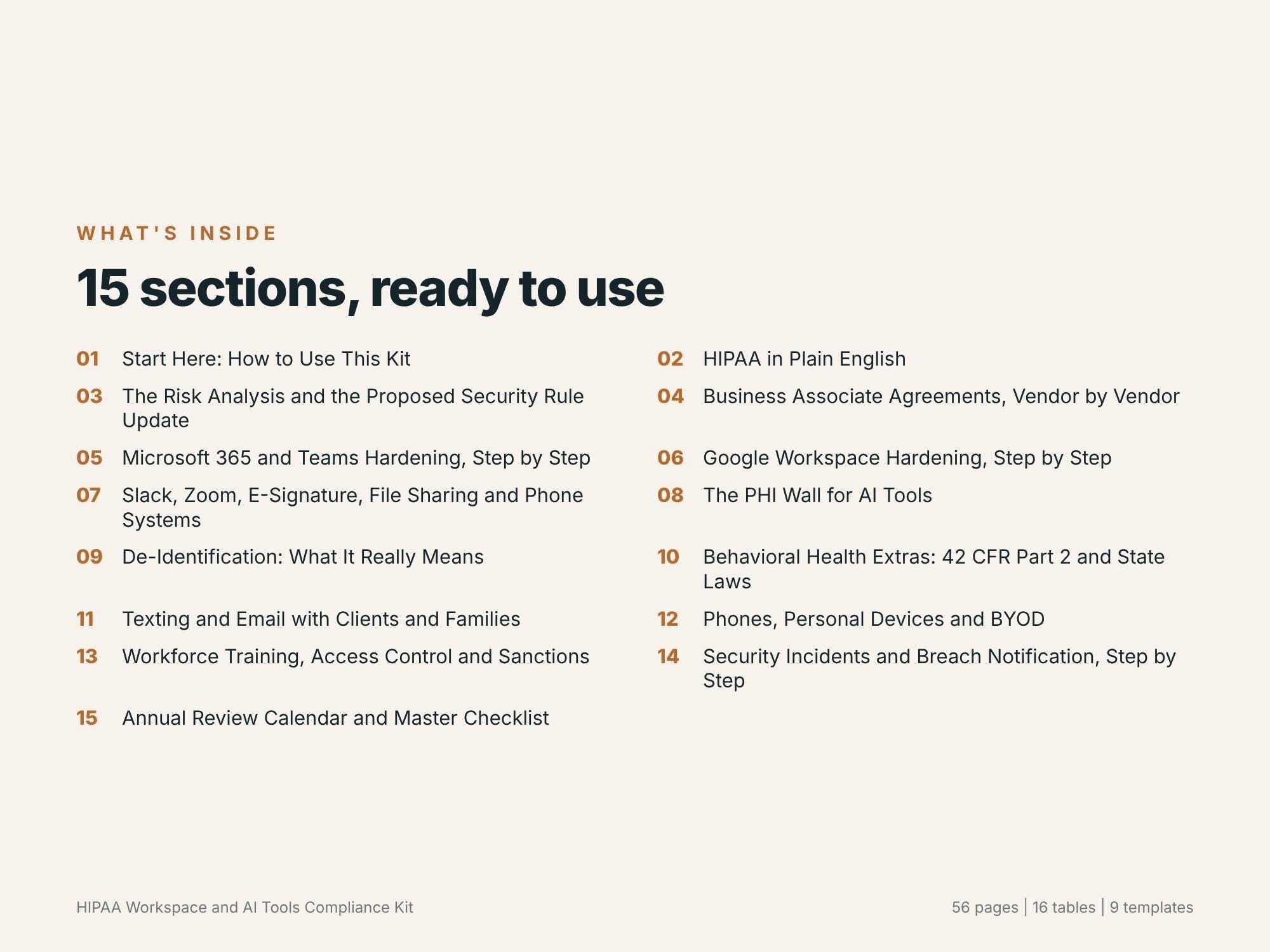
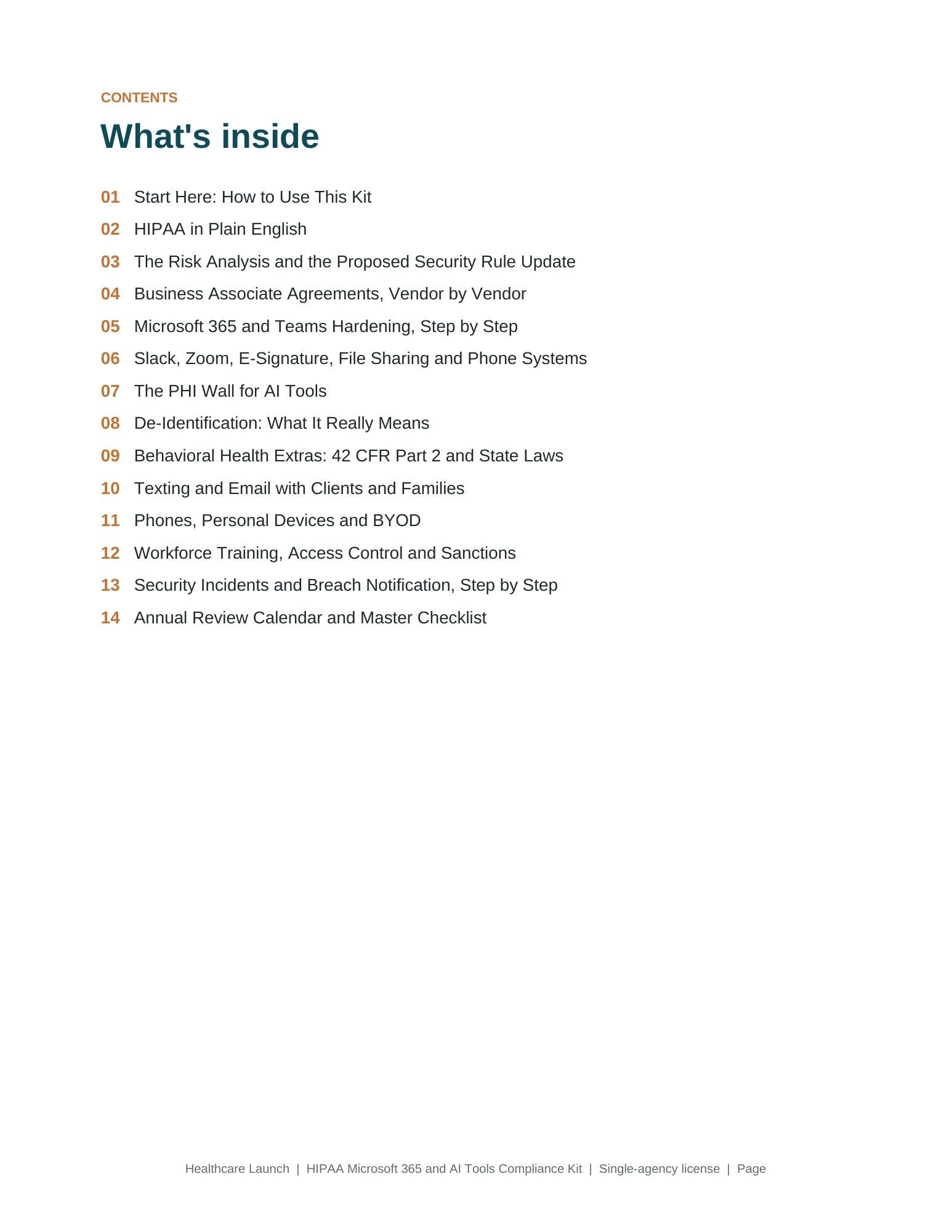
- 14 section guide (Word and PDF) citing hhs.gov, ecfr.gov and federalregister.gov
- HIPAA basics, 2026 penalty amounts and the status of the proposed Security Rule update
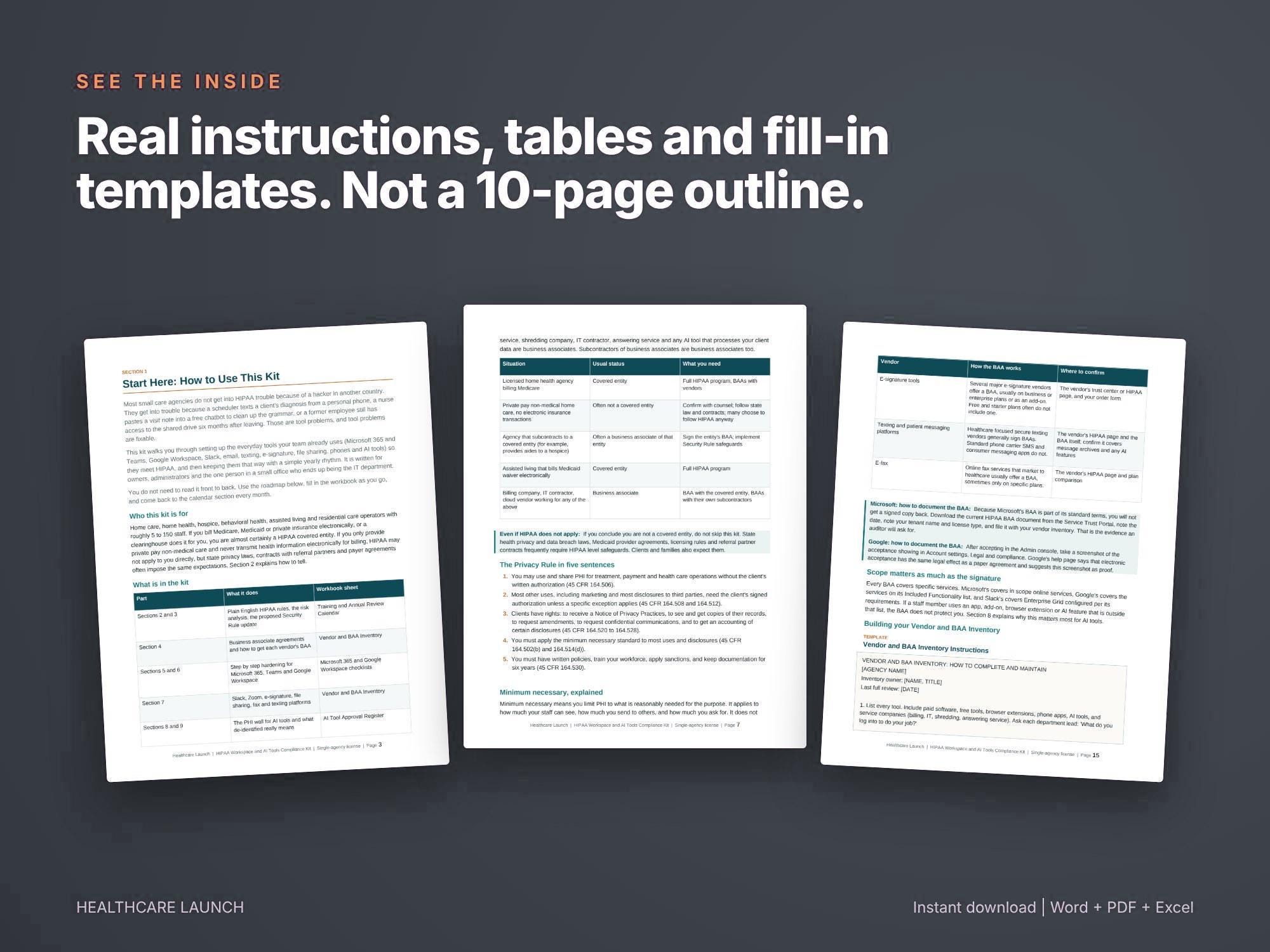
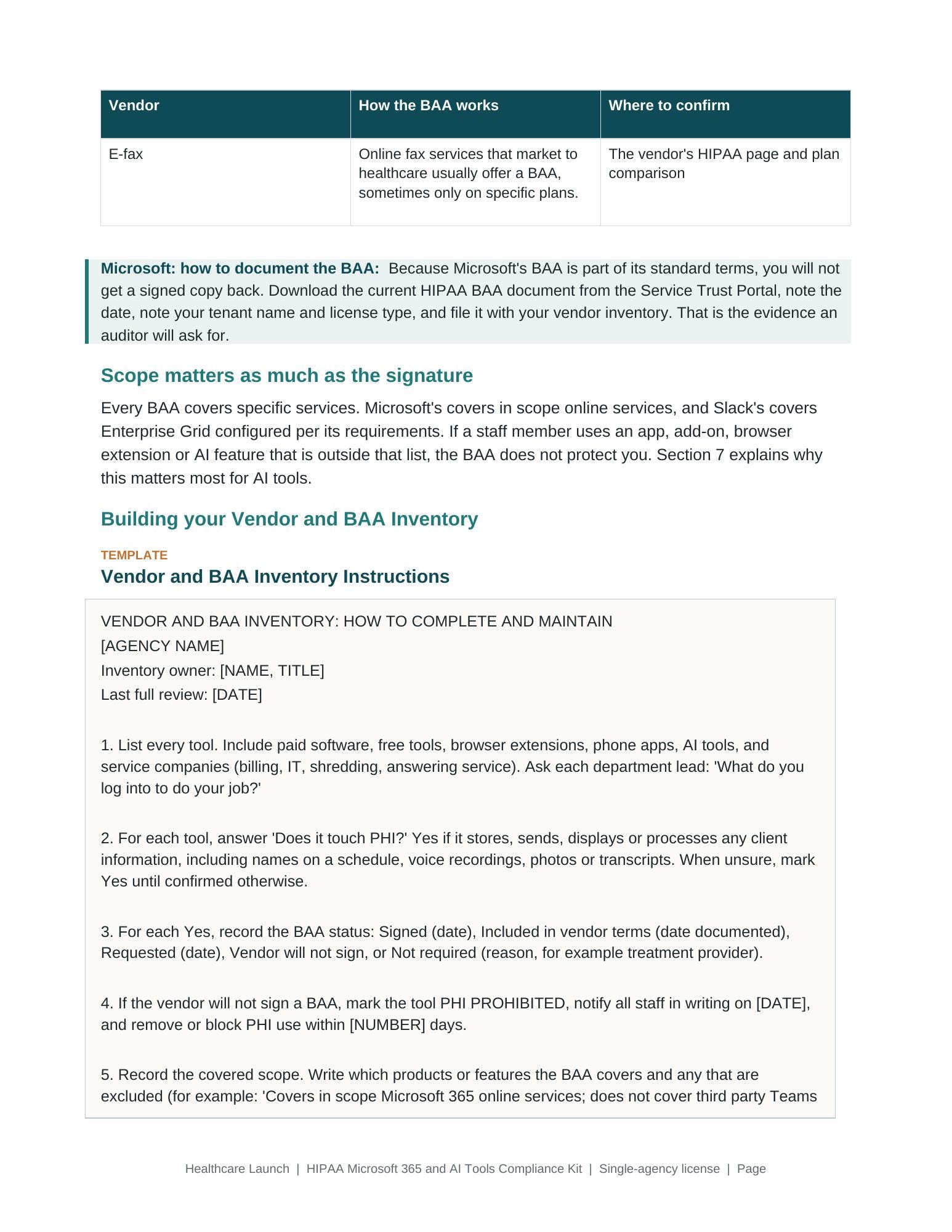
- How BAAs work for Microsoft 365, Slack, Zoom, e-signature and texting tools
- Step by step Microsoft 365 and Teams hardening: MFA, admin roles, guest and external access, Purview encryption, DLP, retention, audit logs, Intune device protection, Copilot settings, offboarding
- The PHI wall for AI chatbots, assistants, agents and note takers
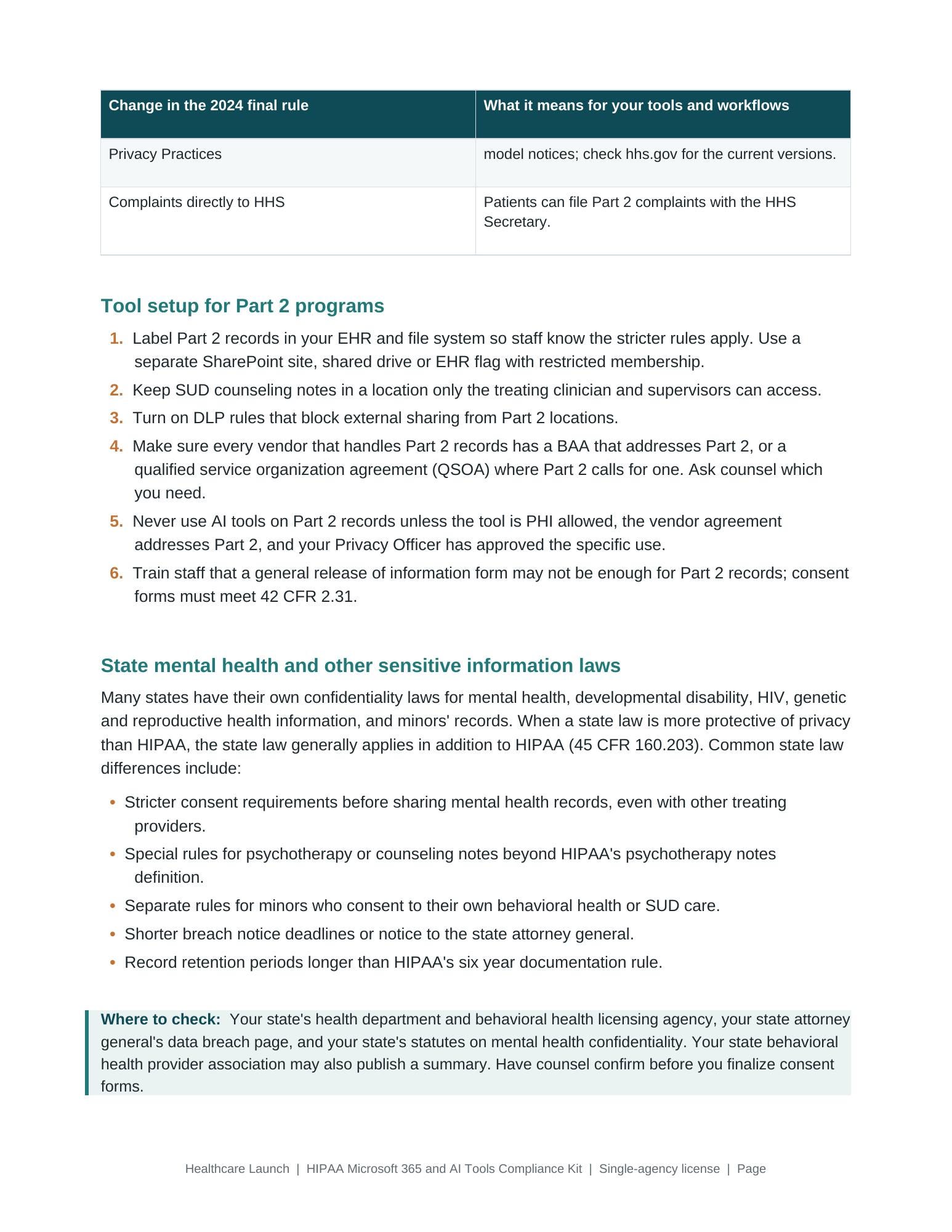
- De-identification, 42 CFR Part 2, texting, BYOD, training and breach notice deadlines
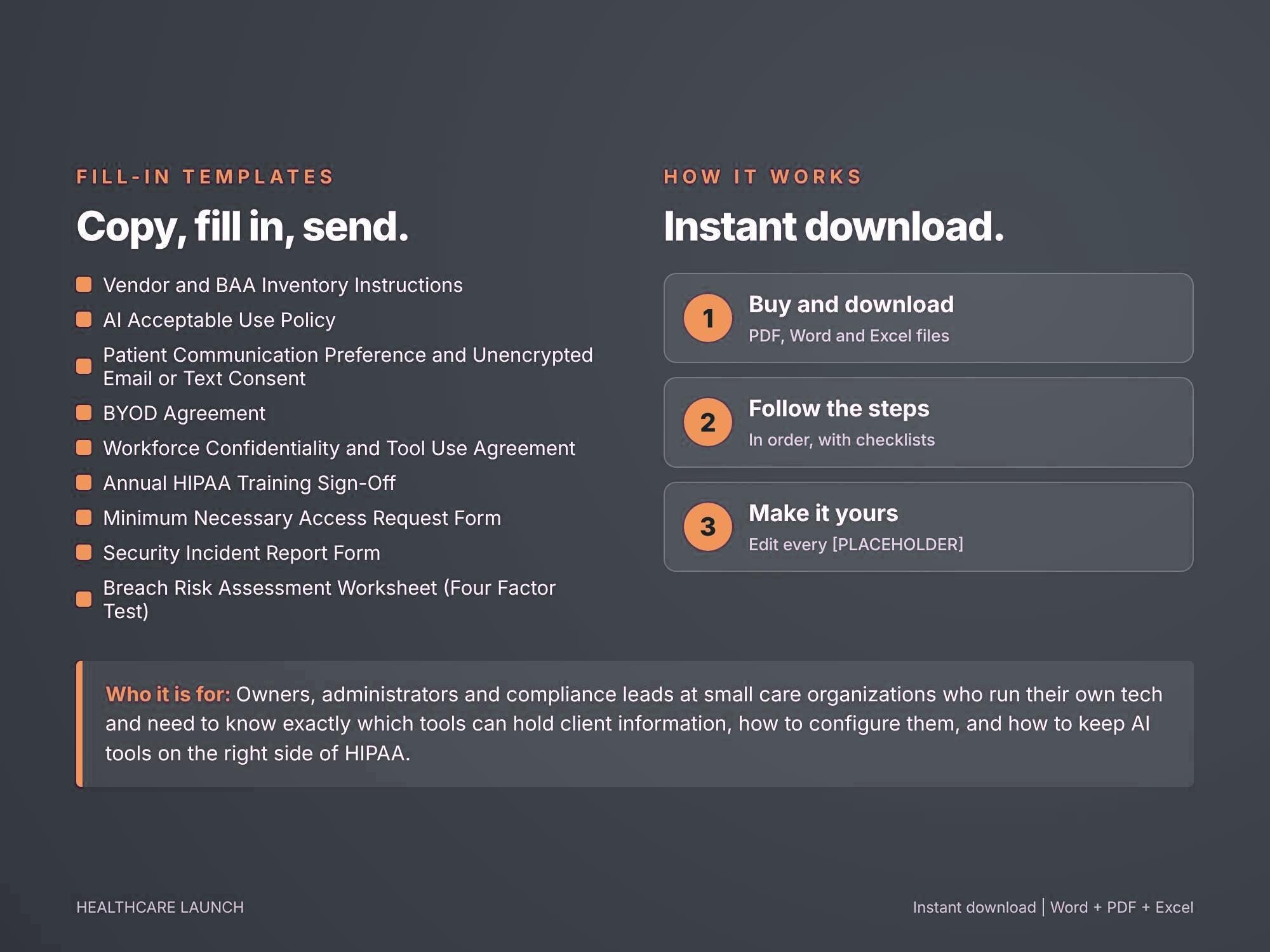
- 9 fill in templates: AI Acceptable Use Policy, Confidentiality and Tool Use Agreement, BYOD Agreement, Vendor and BAA Inventory instructions, Security Incident Report, Breach Risk Assessment worksheet, Communication Preference and Unencrypted Email Consent, Annual Training Sign-Off, Minimum Necessary Access Request
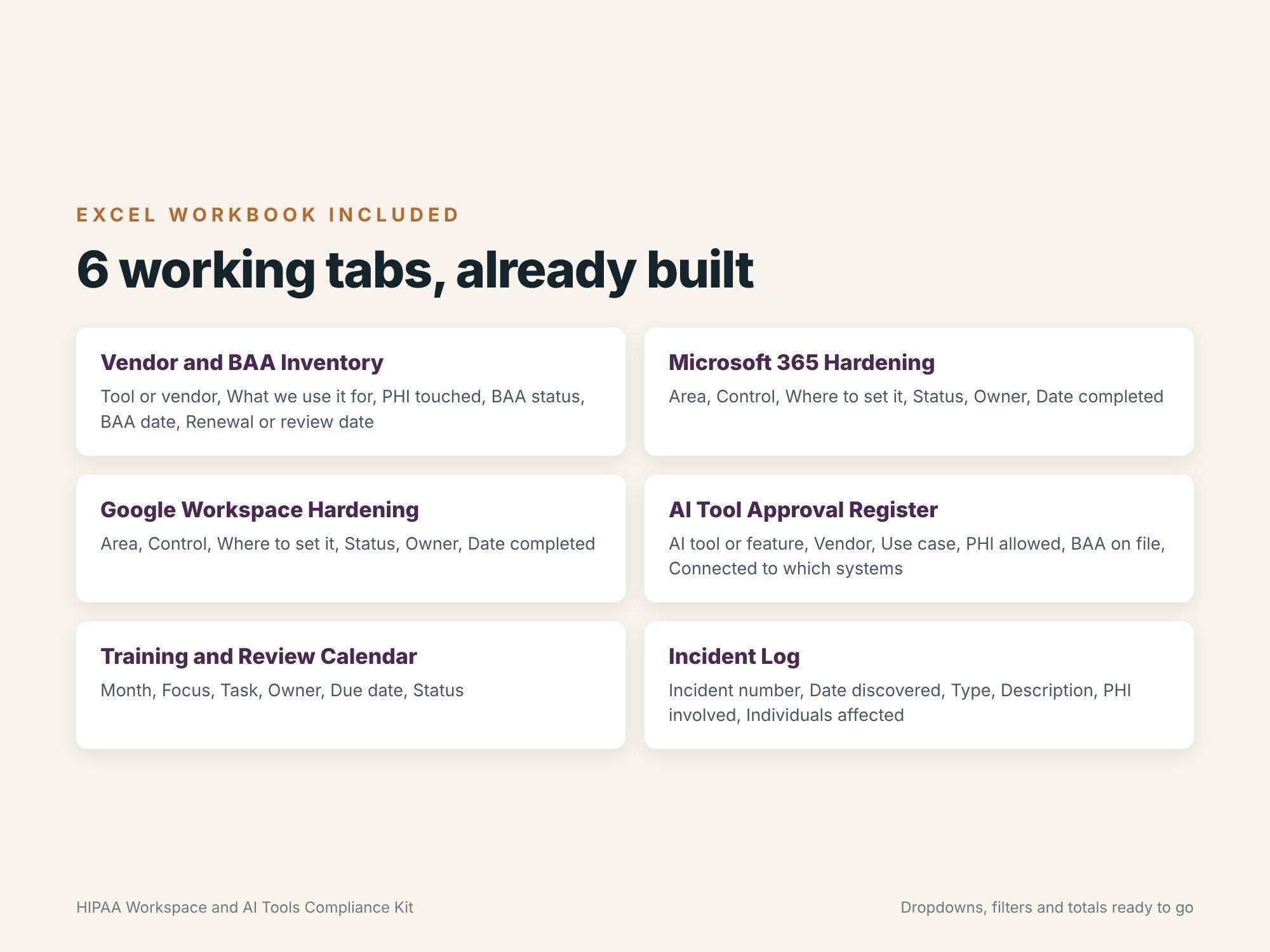
- Excel workbook with 5 sheets: Vendor and BAA Inventory, Microsoft 365 Hardening checklist, AI Tool Approval Register, 12 month Training and Review Calendar, Incident Log, all with dropdowns
WHO IT IS FOR
Owners, administrators and office managers at home care, home health, hospice, behavioral health and assisted living organizations. No IT background needed.
HOW IT WORKS
Instant digital download. You receive an editable Word document, a print ready PDF and an Excel workbook. Add your agency name to the templates, work through the checklists and track progress in the workbook.
You brand the files yourself: add your agency name and logo to the editable templates. Licensed for use inside one agency only. Not white label, and not for resale, sharing or redistribution.
FAQ
Q: Is ChatGPT or another AI tool HIPAA compliant?
A: It depends on whether the vendor signs a BAA covering the plan and features you use. The kit shows you how to decide and what to do if they will not sign.
Q: Do we need Slack Enterprise Grid?
A: Only if you want PHI in Slack. Slack lists Enterprise Grid as its HIPAA supported plan. The kit shows how to run other plans as a no PHI workspace.
Q: Is the proposed Security Rule final?
A: Not as of October 2026. The kit explains what was proposed and how to check the current status.
Q: Does it cover Microsoft 365 Business Basic, Standard and Premium?
A: Yes. Steps note which features need Business Premium or an add-on, such as Intune and Purview DLP.
DISCLAIMER
This is an educational toolkit and set of templates. It is not legal advice. Have policies reviewed by a qualified healthcare attorney in your state and confirm vendor terms on each vendor's current pages.
Digital downloads
Your files will be available to download once payment is confirmed.